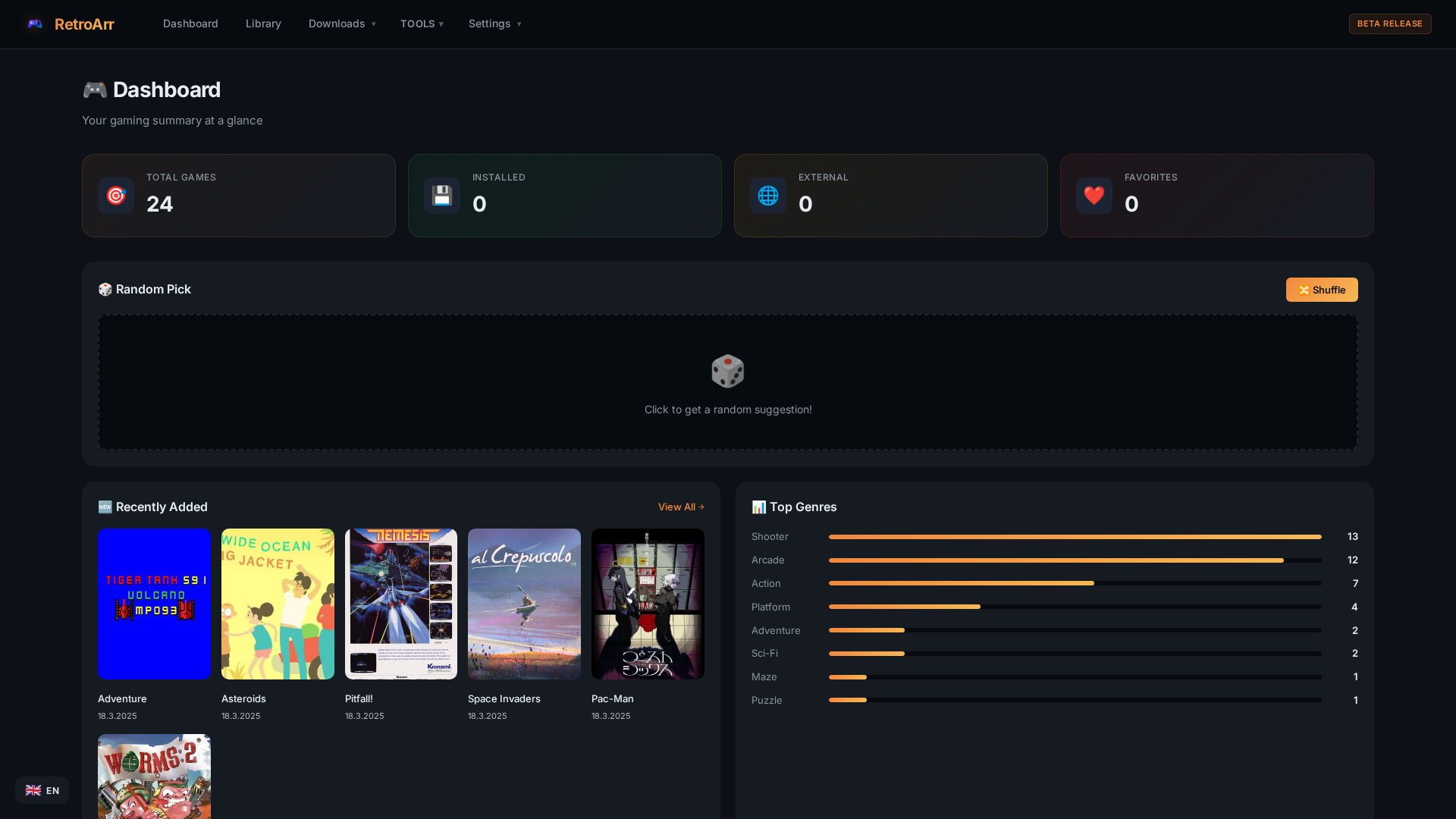
RetroArr is a self-hosted game library manager that automatically enriches your collection with metadata, cover art, and more — for retro classics and modern titles alike.
A complete toolkit for managing your game library
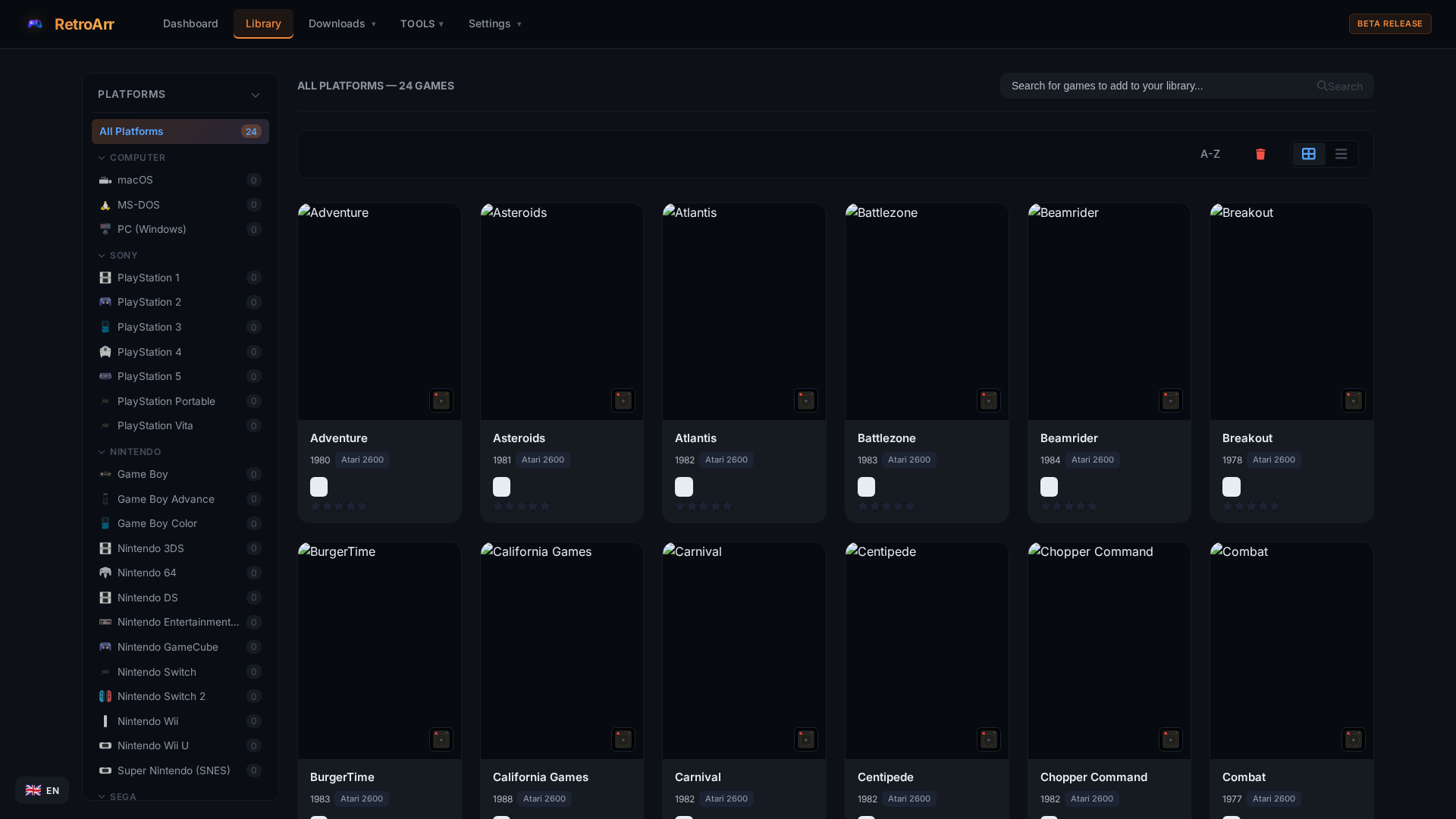
From Atari 2600 to PlayStation 5, Nintendo Switch, PC, and everything in between. Full retro and modern platform support.
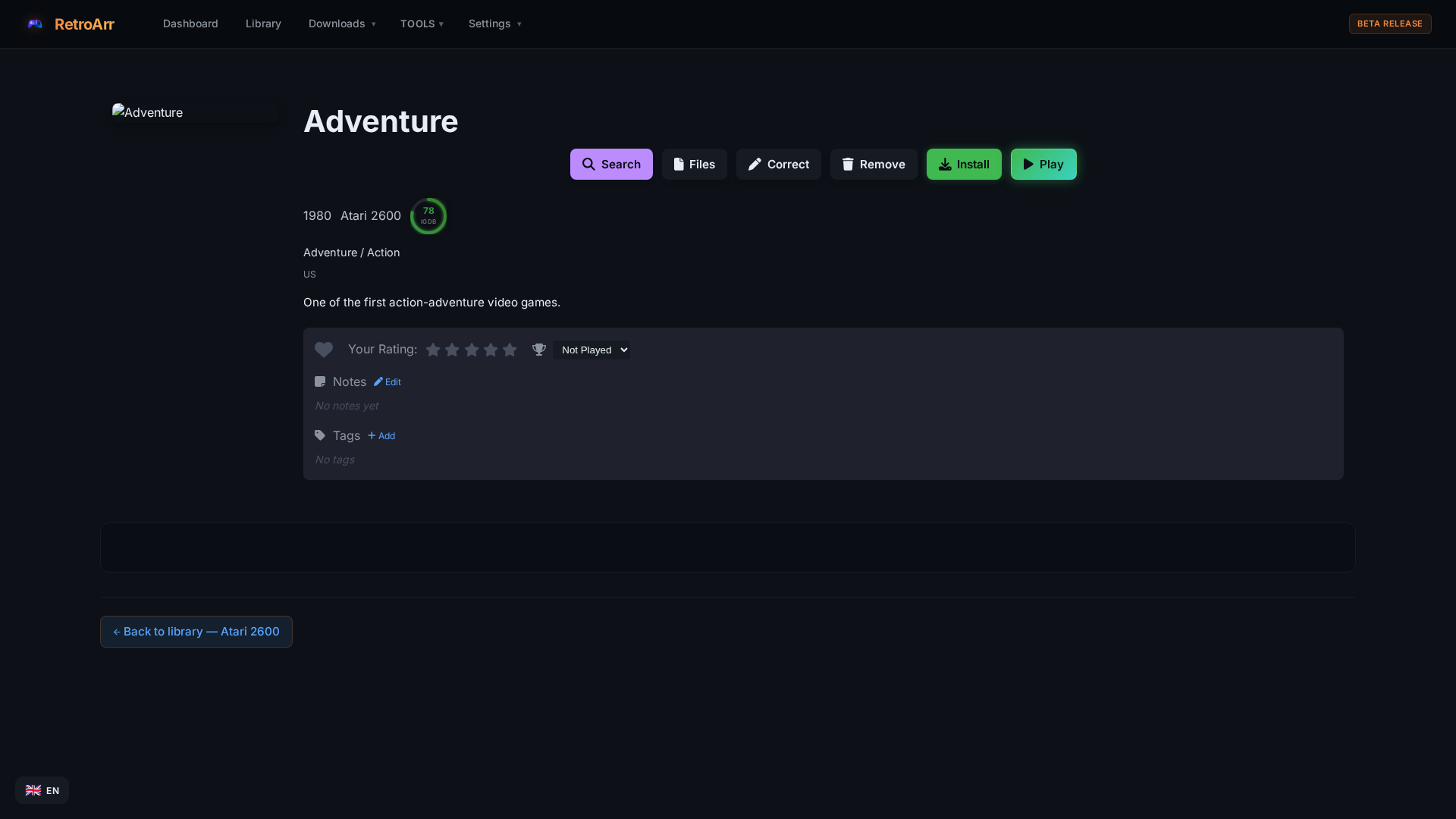
Automatically fetch cover art, descriptions, ratings, and more from IGDB and ScreenScraper.fr with intelligent matching.
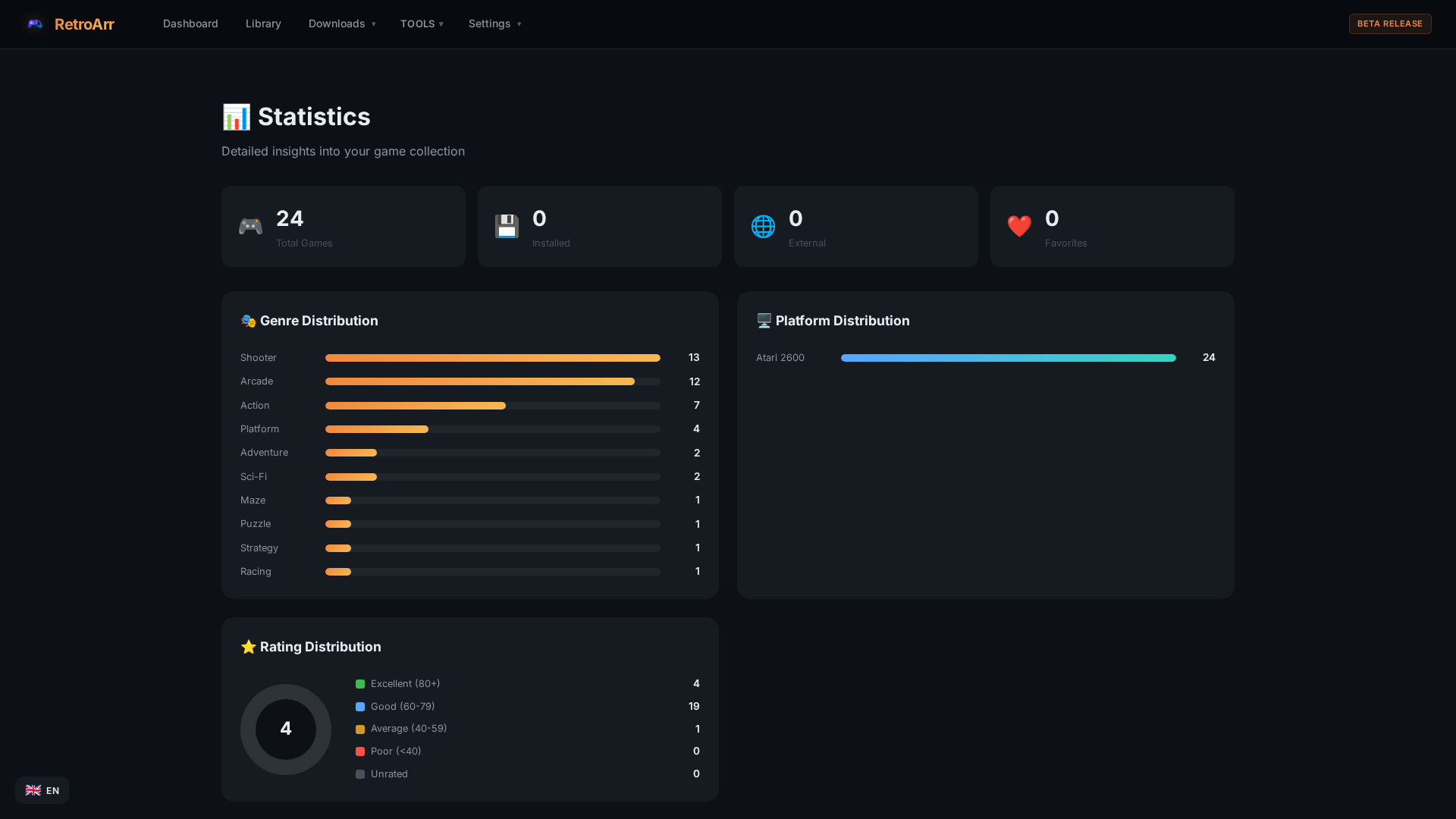
Genre distribution, platform breakdown, rating analysis, and detailed insights into your collection at a glance.
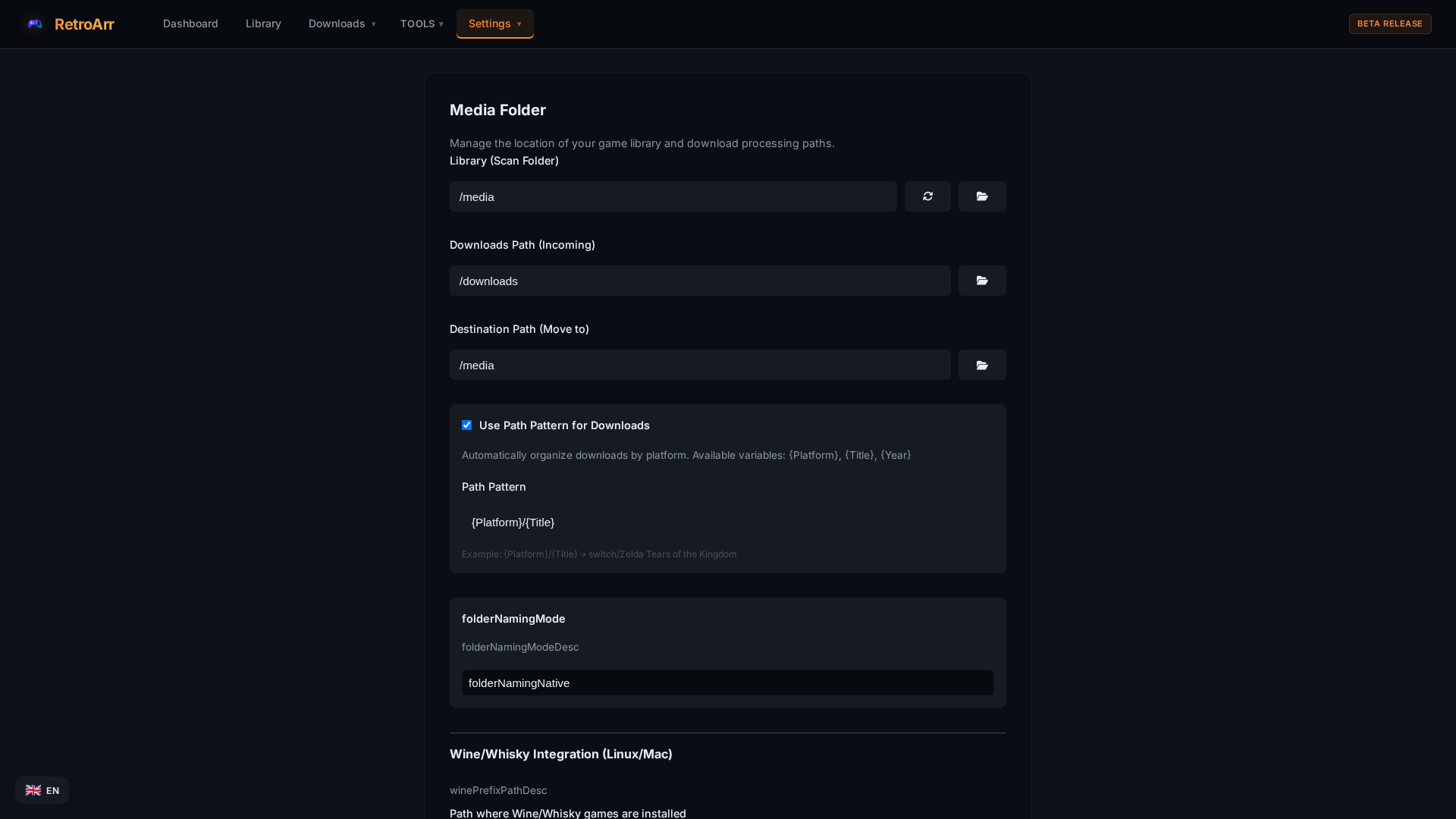
Automatically organize and rename your game files with customizable naming patterns and folder structures.
Deploy in seconds with Docker. Multi-architecture support for x86_64 and ARM64. One command to get started.
Full localization support — English, German, French, Spanish, Italian, Portuguese, and Japanese out of the box.
Connect with Prowlarr, Steam, GOG, IGDB, and ScreenScraper. Automated download management and import.
Organize games with custom tags, smart collections, favorites, and personal ratings and reviews.
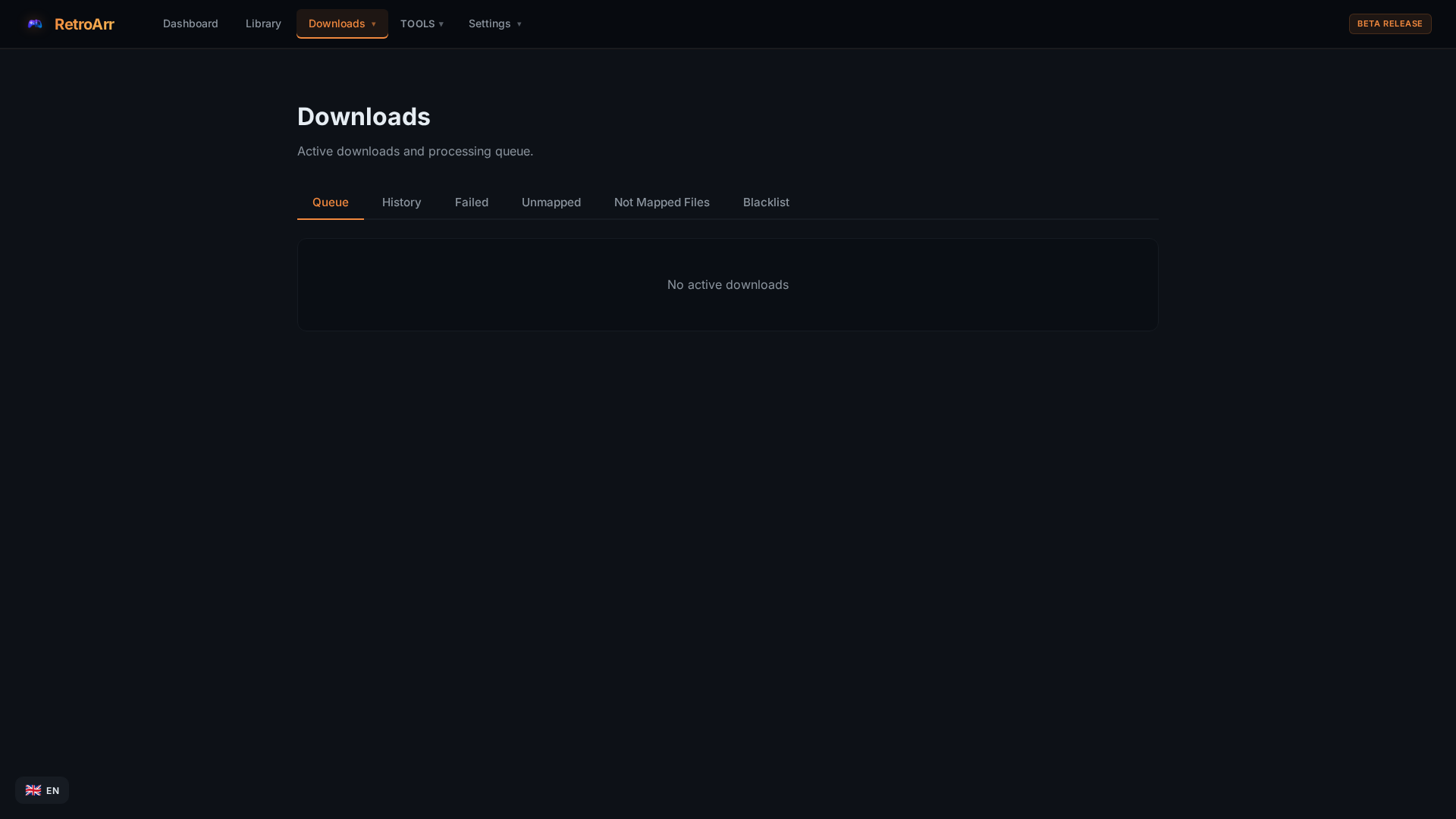
A modern, responsive web interface built for game collectors
Choose your preferred installation method
services:
retroarr:
image: ghcr.io/riddix/retroarr:latest
container_name: retroarr
ports:
- "2727:2727"
volumes:
- ./config:/app/config
- /path/to/games:/media
- /path/to/downloads:/downloads
restart: unless-stopped
Save as docker-compose.yml and run docker compose up -d
docker run -d \
--name retroarr \
-p 2727:2727 \
-v ./config:/app/config \
-v /path/to/games:/media \
-v /path/to/downloads:/downloads \
ghcr.io/riddix/retroarr:latest
Access the web UI at http://localhost:2727
Download the latest release for your platform:
Extract and run the executable. Configuration is stored in ./config/